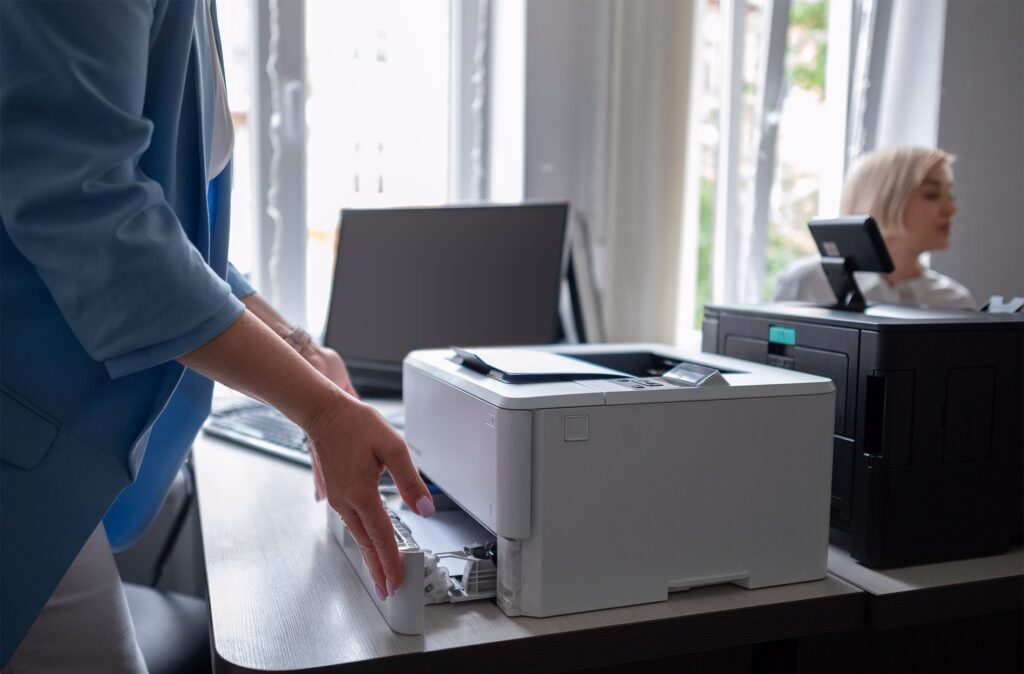
It’s common for a business with multiple office locations to end up with a mismatched fleet of copiers: whatever was available or on sale when each location opened or needed a replacement. It works, in the sense that each machine prints, but it creates ongoing costs that are easy to miss until someone actually adds them up across every location.
Standardizing on a consistent set of models and a single toner line across locations is one of the more overlooked ways multi-location businesses save money and reduce IT headaches. It’s not a glamorous project, but it tends to pay for itself quickly once it’s in place.
The Hidden Cost of a Mismatched Fleet
- Multiple toner and supply SKUs to track and order, instead of one consistent set
- Staff who transfer between locations or cover shifts needing to relearn a different interface each time
- IT or office managers troubleshooting several different models instead of one familiar setup
- Inconsistent security settings and firmware versions across the fleet
- Service contracts and warranties on different renewal schedules, making budgeting harder
None of these costs show up as a single obvious line item, which is part of why mismatched fleets persist for years without anyone flagging them as a problem worth solving. They show up instead as a slow accumulation of small inefficiencies: an extra ten minutes here, a confused new hire there, a service call that takes longer because the technician has to look up a less familiar model.
What Standardization Actually Looks Like
Choosing a Core Lineup, Not Necessarily One Model
Standardizing doesn’t have to mean the exact same machine at every location regardless of size. A small satellite office and a 50-person headquarters have different volume needs. What it does mean is picking one manufacturer and a small, deliberate range of models sized appropriately for each location, rather than an accumulation of whatever was purchased over the years without a coordinated plan.
One Toner and Supply Line
Standardizing toner across locations, even if the specific device models vary slightly, simplifies ordering and often improves pricing since you’re consolidating volume with one supplier instead of splitting it across several. It also means an employee at one location can grab supplies meant for another site in a pinch without worrying about compatibility.
Consistent User Interface
Employees who move between offices, or who cover another location during a busy period, waste time relearning a different touchscreen layout. A consistent interface across the fleet removes that friction entirely, which matters more than it sounds like it should for offices with any amount of staff movement between sites.
Centralized Monitoring Changes the Math
Once your fleet is standardized, centralized monitoring becomes much more useful. Instead of each location’s staff eyeballing the toner level or waiting for a jam to call it in, a single dashboard can track supply levels, usage, and service needs across every site.
This is the core of Managed Print Services, and it tends to deliver the most value once a business has standardized equipment to monitor in the first place.
Trying to layer centralized monitoring on top of a mismatched fleet is possible, but it’s a harder sell and a messier rollout, since different models often report different data points and require different monitoring tools. Standardizing first, then adding monitoring, tends to be the smoother sequence.
How to Approach Standardization Without Replacing Everything at Once
Few businesses can justify replacing every copier across every location in one budget cycle, and they don’t need to. A practical approach is to standardize going forward: the next time any location is due for a replacement or a new lease, move it onto the standard lineup rather than repeating the old buying pattern. Within a few lease cycles, most of the fleet naturally converges, without requiring a single disruptive rollout.
Working With One Dealer Across All Locations
Standardizing equipment is easier when it comes from a single dealer relationship rather than whichever local vendor happened to handle each office’s original purchase. One point of contact for service, supplies, and account management across every location removes a lot of the coordination burden from your team, and it makes the eventual standardization project far simpler to execute.
Measuring Whether Standardization Is Actually Working
It’s worth checking back in six to twelve months after starting a standardization effort to see whether it’s delivering what you expected. A few simple indicators tell you a lot: are supply orders simpler and fewer in number than before, are service tickets easier to resolve since your provider only needs to keep one or two models’ worth of parts on hand, and are new hires or transferring staff picking up the equipment faster than they used to.
If those indicators aren’t improving, it’s worth revisiting whether the standardization plan itself needs adjustment, for example if the chosen model line doesn’t actually cover the range of office sizes in your portfolio, rather than assuming the concept itself failed.
A Realistic Timeline for a Multi-Location Rollout
Businesses sometimes assume standardization requires a single, disruptive replacement event across every office at once. In practice, most successful rollouts happen over one to three lease cycles, typically two to five years, as each location’s existing equipment naturally comes due. The key is committing to the standard now, in writing if it helps, so that whoever handles the next replacement at any given location knows what to order rather than defaulting back to old habits.
Businesses that skip this step and simply hope standardization happens organically tend to find that old buying patterns creep back in, especially when a location manager is in a hurry and just orders whatever’s fastest to get rather than checking the agreed-upon standard first.
Frequently Asked Questions
Does standardizing mean every location needs the exact same copier?
No. The goal is a small, deliberate lineup of models from one manufacturer, sized appropriately for each location’s volume, not necessarily identical machines everywhere.
How many locations before standardization is worth the effort?
Even two or three locations benefit from consistent toner and interfaces. The savings and simplicity become more obvious as the number of sites grows.
Do we have to replace all our current copiers to standardize?
Not at once. Most businesses standardize gradually, applying the new standard each time a location’s lease or equipment comes up for renewal.
How does standardizing help with IT support?
Fewer unique models mean IT and office staff only need to learn and troubleshoot one interface and driver set, rather than several, which cuts down on support tickets and confusion.
Is Managed Print Services necessary to standardize a fleet?
No, you can standardize equipment without it. But once your fleet is consistent, Managed Print Services becomes considerably more effective, since a single dashboard can then monitor equipment that behaves the same way across every site.
What if different locations have very different volume needs?
That’s normal and doesn’t defeat the purpose of standardizing. Choose a small range of models from the same manufacturer and family, sized appropriately for each location, rather than forcing identical hardware everywhere regardless of fit.
Bring Consistency to Your Equipment Across Every Location
If your business is managing a patchwork of copier brands and models across offices, standardizing is one of the simpler ways to cut cost and confusion.
Explore our multifunction printers and copiers or contact us to talk through a standardization plan across your locations.