Law firms print differently than most businesses.
They deal with:
- High document volumes
- Confidential information
- Court filings
- Case binders
- Discovery packets
- Client records
- Contracts and exhibits
Because of this, the “best copier” for a law firm isn’t just about speed. It’s about security, reliability, scanning efficiency, document management integration, and total cost control.
If you’re evaluating copier options for a small firm, mid-sized practice, or large legal office, this guide will explain what actually matters and which types of machines typically perform best.
What Law Firms Need From a Copier
Before looking at models or specs, define your workflow.
Most law firms require:
- Fast black-and-white printing
- Reliable high-volume output
- Secure scanning to PDF
- OCR for searchable files
- User authentication
- Hard drive encryption
- Audit trails
- Integration with document management systems
- Stapling and hole-punch finishing
Unlike marketing teams that prioritize color vibrancy, law firms often prioritize:
- Crisp text clarity
- High-speed duplex printing
- Cost-per-page efficiency
- Document security
Understanding these needs helps narrow the field quickly.
1. Security Is Non-Negotiable
Legal documents are confidential. Your copier must protect:
- Client information
- Case strategy
- Financial data
- Medical records
- Corporate filings
The best copiers for law firms include:
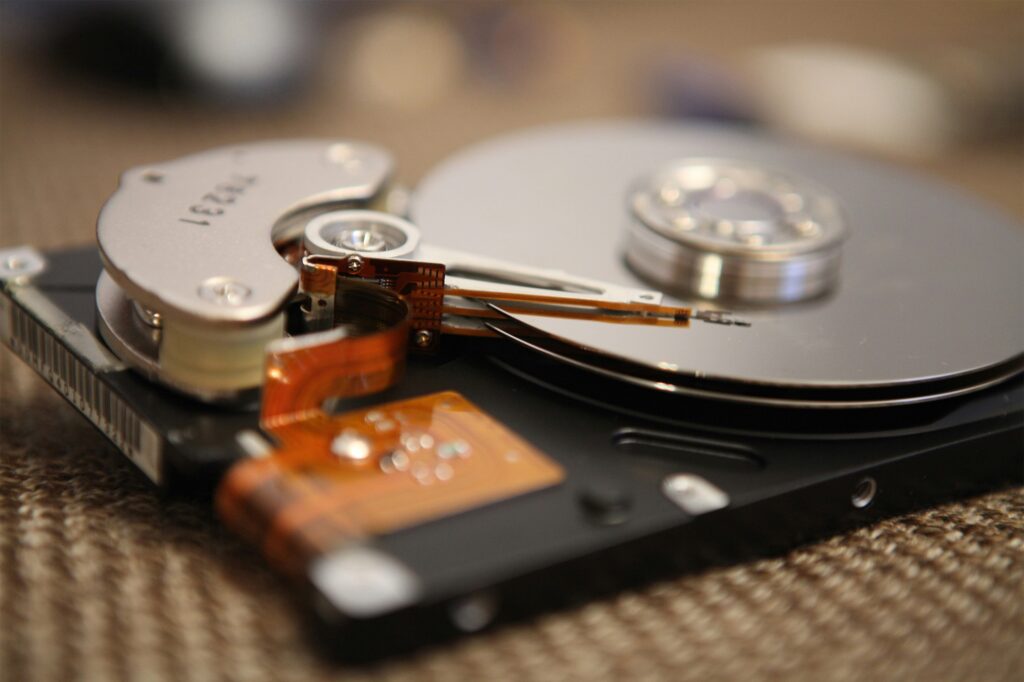
- Encrypted hard drives
- Secure print release (PIN or badge authentication)
- User access controls
- Data overwrite capabilities
- Network security protocols
- Audit logging
Without these features, your copier could become a data vulnerability.
Modern multifunction printers (MFPs) now include enterprise-level security that aligns with legal compliance expectations.
2. High-Speed Black-and-White Output
Most law firms print primarily in black and white.
Key specs to consider:
- 45–75 pages per minute (ppm) for mid-sized firms
- 75+ ppm for large practices
- Automatic duplex (standard)
- Large paper capacity
Why speed matters:
- Court deadlines are strict
- Large discovery sets require rapid production
- Internal revisions must move quickly
Waiting on print queues slows down billable work.
3. Advanced Scanning Capabilities
Modern law firms are increasingly digital. Your copier should function as a scanning hub.
Look for:
- Single-pass duplex scanning
- 120+ images per minute (ipm) scanning speed
- OCR (Optical Character Recognition)
- Scan to email
- Scan to network folders
- Scan to cloud storage
- Scan to document management systems
Searchable PDFs are especially valuable for legal research and case management.
The right scanning functionality can eliminate manual filing and improve case retrieval time dramatically.
4. Document Finishing Options
Legal documents often require:
- Stapling
- Hole punching
- Booklet making
- Large job collation
Built-in finishing saves time and reduces reliance on manual assembly.
For firms regularly producing court-ready documents, an internal finisher is not a luxury; it’s a productivity tool.
5. Reliability Under Heavy Volume
Law firms frequently experience print surges:
- Before hearings
- During trial preparation
- Before filing deadlines
The best copiers for law firms are built for high duty cycles.
Look at:
- Monthly recommended volume
- Maximum duty cycle
- Robust internal components
A copier that can technically print 100,000 pages per month doesn’t mean it should. The recommended monthly volume is the real indicator of durability.
6. Cost Control and Cost-Per-Page
Printing expenses can quietly grow in legal offices.
Important cost considerations:
- Black toner yield
- Service contracts
- Maintenance coverage
- Toner cost-per-page
- Energy efficiency
For firms printing tens of thousands of pages per month, even a small difference in cost-per-page adds up annually.
Fleet management solutions can also track:
- User-level print activity
- Department usage
- Waste reduction opportunities
Transparency improves budgeting.
Best Copier Types for Different Law Firm Sizes
Instead of focusing on one specific model, it’s better to match the copier class to your firm size.
Small Law Firms (1–10 Attorneys)
Best fit:
- 35–45 ppm black-and-white MFP
- Compact footprint
- Basic finishing
- Secure print release
- OCR scanning
Small firms still need enterprise-level security—but may not require high-end production speeds.
Mid-Sized Firms (10–40 Attorneys)
Best fit:
- 55–75 ppm black-and-white MFP
- Large paper capacity
- High-speed duplex scanning
- Full finishing options
- Advanced security suite
Mid-sized firms often benefit from multiple devices networked together to reduce bottlenecks.
Large Law Firms (40+ Attorneys)
Best fit:
- 75–90+ ppm production-level MFP
- Heavy-duty internal components
- High-capacity feeders
- Advanced finishing
- Integrated print management software
- Secure fleet monitoring
Larger firms may also implement centralized print rooms to handle volume efficiently.
Should Law Firms Choose Color Copiers?
Many law firms operate primarily in black-and-white. However, color capability can be useful for:
- Evidence presentation
- Marketing materials
- Client presentations
- Highlighted exhibits
Modern color devices can deliver competitive black-and-white cost-per-page while providing color flexibility.
The decision often comes down to:
- Volume
- Budget
- Presentation needs
Integration With Legal Software
Today’s best copiers integrate with:
- Legal document management systems
- Practice management platforms
- Cloud storage
- Secure email systems
Seamless integration reduces manual steps and improves workflow efficiency.
The goal isn’t just printing, it’s document lifecycle management.
Signs Your Law Firm’s Copier Needs Upgrading
If your current device:
- Frequently jams
- Lacks secure print release
- Doesn’t support OCR
- Is slow during high-volume jobs
- Has rising maintenance costs
- Doesn’t meet IT security standards
It may be time to upgrade.
Modern copiers are faster, more secure, and more efficient than devices from even 5–7 years ago.
The best copiers for law firms prioritize:
- Security
- Speed
- Scanning efficiency
- Reliability
- Cost control
- Workflow integration
Legal offices depend on accurate, timely documentation. The right copier reduces bottlenecks, protects confidential information, and supports a digital-forward workflow.
If your law firm is evaluating new copier solutions or unsure whether your current equipment meets today’s security and performance standards, contact Emerald Document Imaging for a tailored assessment and recommendation based on your firm’s size and workflow.