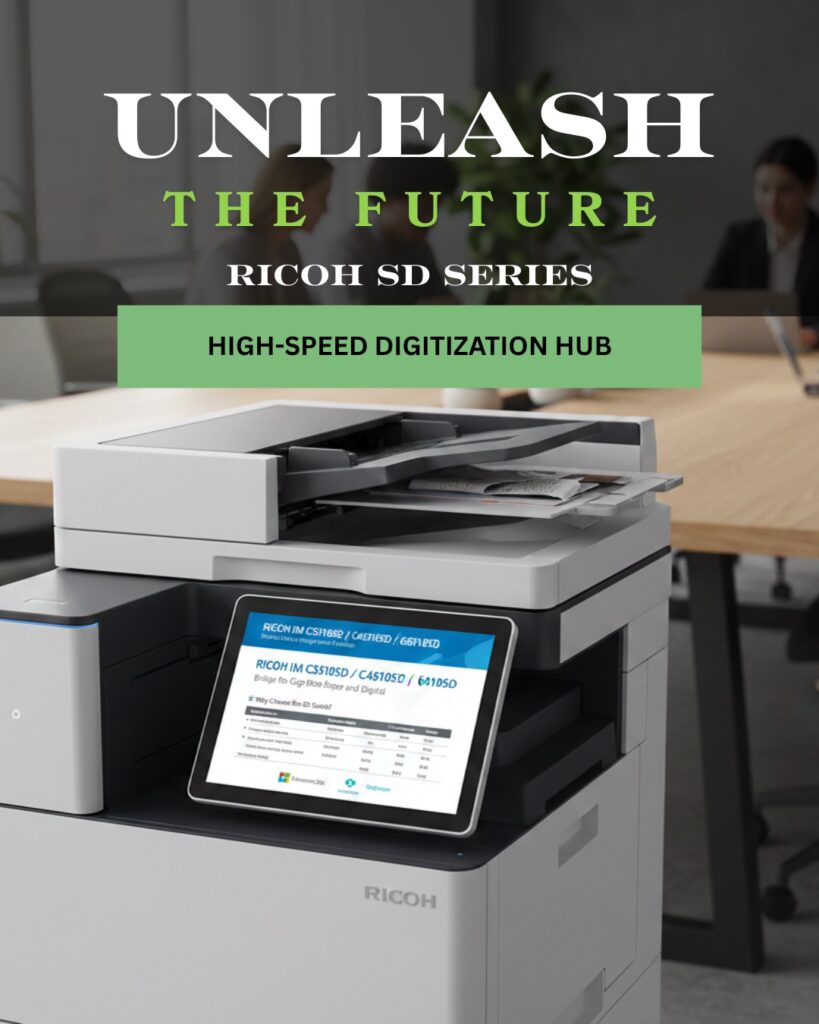
This year, RICOH launched the SD series, which had bridged the gap between traditional MFP Copiers and Scanners, combining them into one robust machine.
Emerald Document Imaging is an official distributor of the Ricoh SD series and is excited to transform your business with this machine.
RICOH SD Series (which “SD” stands for Seamless Digitization) has redefined the role of the office multifunction printer. This device acts as a high-speed “digitization hub” specifically engineered to eliminate the manual bottlenecks of paper-heavy workflows.
For businesses looking to transition from physical archives to intelligent digital environments, here is why the SD series is a strategic necessity.
1. Production-Class Scanning in an Office Device
The defining feature of the SD Series is its Straight Paper Path. While standard copiers use a “U-turn” path that frequently jams with non-standard media, the SD series pulls documents straight through.
- Scan Everything: Effortlessly handle fragile receipts, carbonless (NCR) forms, envelopes, and even rigid plastic ID cards or passports without a carrier sheet.
- Blazing Speed: Equipped with a 300-sheet Single Pass Document Feeder (SPDF), these units scan up to 200 images per minute (ipm).
- Intelligent Correction: Features like mixed-size batch scanning, and automatic orientation ensure that your digital files are perfect on the first pass, requiring zero manual editing.
2. Built-In Intelligent Document Processing (IDP)
The SD series doesn’t just “take a picture” of your document; it understands the content.
- Data Extraction: Through integrated IDP, the device can automatically classify documents, extract key data (like invoice numbers or dates), and validate it against your existing business systems.
- Searchable Results: Documents are converted into editable and searchable formats (PDF, Word, Excel) in 26 different languages using advanced OCR.
- Seamless Routing: Directly integrate with platforms like SharePoint, Google Drive, OneDrive, and DocuWare. You can route files to specific folders based on the document type detected during the scan.