In today’s fast-paced business world, companies are printing more than ever—brochures, reports, marketing collateral, and personalized mailings. As print volumes increase, so do the challenges of managing complex jobs, tight deadlines, and production costs.
Workflow automation is one approach many high-volume printing environments use to improve efficiency and consistency. This guide explains what workflow automation in printing involves, where it delivers the biggest benefits, and how organizations evaluate whether it makes sense for their production environment.
What Is Workflow Automation in Printing?
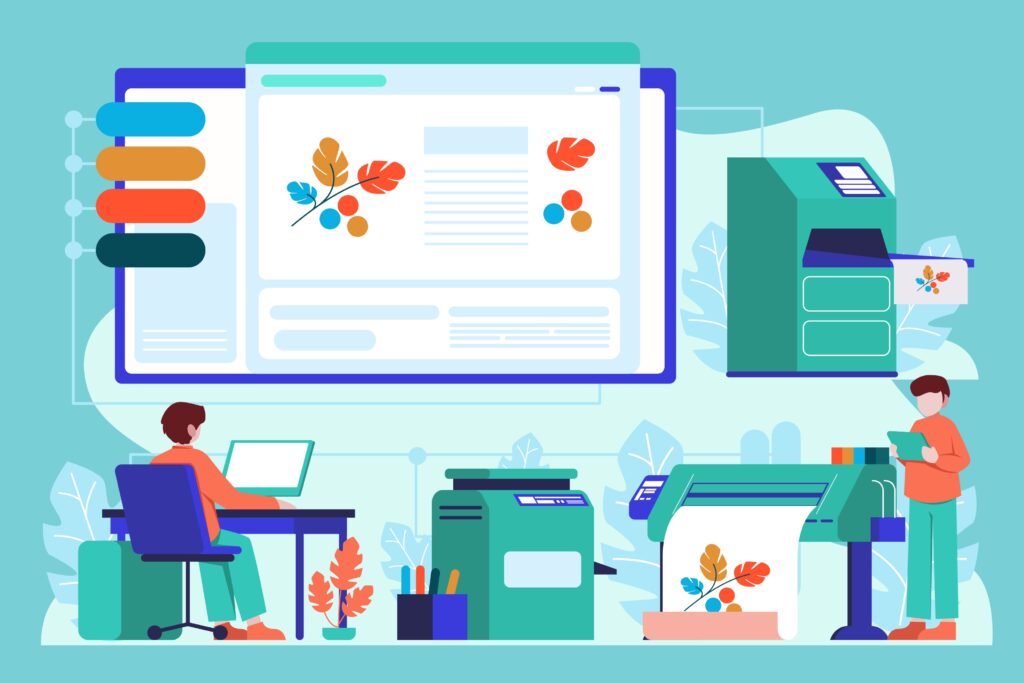
Workflow automation in printing refers to using software and technology to manage the entire print production process with minimal manual intervention. This can include:
- Job submission and approval
- Prepress tasks (like color correction, file formatting, and imposition)
- Print scheduling and routing
- Quality control checks
- Finishing and distribution
Automation reduces the need for manual steps, allowing staff to focus on higher-value tasks while ensuring consistent, high-quality output.
Why Workflow Automation Matters in High-Volume Printing
High-volume printing environments, like corporate print centers, marketing agencies, or commercial print shops, face unique challenges:
- Multiple print jobs daily with tight deadlines
- Complex specifications, such as different paper types, sizes, or finishes
- High risk of human error in file preparation or job routing
- The need to track costs and efficiency for reporting and budgeting
Workflow automation addresses these challenges by providing consistent, reliable processes that save time and reduce mistakes.
Top Benefits of Workflow Automation
1. Increased Efficiency and Productivity
Automation eliminates repetitive manual tasks like file preparation, printing, and routing. Employees can:
- Submit print jobs digitally
- Automatically format and adjust files for the correct printer or media
- Schedule multiple jobs to run consecutively without manual intervention
Result: Faster job completion and the ability to handle more jobs without increasing staff.
2. Reduced Errors and Higher Quality
Manual processes are prone to errors such as:
- Incorrect paper selection
- Wrong color profiles
- Misaligned layouts
- Forgotten finishing options
Automation ensures every job follows a standardized process, improving consistency and reducing wasted materials. For example, a prepress automation system can detect file issues before printing, saving both time and cost.
3. Cost Savings
Workflow automation reduces operational costs in several ways:
- Less waste: Fewer misprints and incorrect jobs
- Reduced labor costs: Staff spend less time on manual tasks
- Optimized resource use: Automatic scheduling ensures the right printer, toner, and media are used efficiently
Example: A marketing agency in NYC printing 10,000 brochures per month can save thousands of dollars annually by reducing misprints and wasted materials.
4. Faster Turnaround Times
Automation accelerates job completion by:
- Routing files directly to the correct printer
- Scheduling high-volume jobs efficiently
- Enabling simultaneous prepress, printing, and finishing tasks
Businesses can meet tight deadlines without compromising quality, which is especially important for time-sensitive marketing campaigns or corporate reports.
5. Enhanced Tracking and Reporting
Automated systems often include analytics tools that track:
- Print volume by job, department, or client
- Paper, ink, and consumables usage
- Production time and workflow bottlenecks
This data helps businesses optimize resources, manage budgets, and make informed decisions. For example, Long Island print centers can identify inefficiencies and allocate resources more effectively.
6. Scalability
Workflow automation makes it easier to scale printing operations as your business grows:
- Add new printers or presses without disrupting workflow
- Manage more jobs with existing staff
- Adjust automation rules as production needs change
This ensures companies are prepared for growth or peak printing seasons without expensive staffing increases.
7. Better Collaboration and Communication
Automated workflows improve collaboration between departments or teams:
- Centralized job submission ensures everyone uses the same specifications
- Notifications alert teams when jobs are completed or require approval
- Cloud-based systems allow remote teams to submit or track jobs
For businesses with hybrid or distributed teams, this reduces miscommunication and improves overall workflow.
8. Environmentally Friendly Printing
Automation contributes to sustainability:
- Reduces wasted paper from misprints
- Optimizes toner and ink usage
- Allows for digital proofs before committing to physical prints
Companies in NYC and Long Island can lower their environmental impact while saving costs, a win-win for both the planet and the bottom line.
How to Implement Workflow Automation in Your Printing Environment
- Evaluate Your Current Processes
Identify repetitive tasks, bottlenecks, and error-prone steps. - Choose the Right Software
Select workflow automation software compatible with your printers (HP, Ricoh, Canon, etc.) and production environment. - Define Rules and Standards
Standardize job specifications, color profiles, paper types, and finishing options to ensure consistency. - Train Staff
Employees need to understand how to submit jobs and interact with the automation system. - Monitor and Optimize
Use analytics and reporting to continuously improve efficiency and reduce costs.
Real-World Example
A Long Island marketing agency implemented workflow automation across their production printers and digital sheet-fed presses. Before automation:
- Staff spent 3 hours daily preparing files
- Frequent misprints resulted in wasted materials and extra costs
- Turnaround for client campaigns averaged 5 days
After automation:
- Job preparation time dropped to 30 minutes daily
- Misprints decreased by 70%
- Turnaround time reduced to 2–3 days
- Cost savings exceeded $20,000 per year
Workflow automation in high-volume printing environments is no longer optional; it’s a strategic advantage. Automation:
- Improves efficiency and productivity
- Reduces errors and waste
- Cuts costs and shortens turnaround times
- Provides better tracking, collaboration, and scalability
- Supports environmentally responsible printing
Whether you operate a corporate print center, marketing agency, or commercial print shop, implementing workflow automation can transform your printing operations, improve profitability, and give you a competitive edge.
Emerald Document Imaging specializes in workflow automation for high-volume and production printing. From setup to ongoing support, we help businesses optimize production, reduce errors, and streamline print operations.
Contact us today for a free consultation and print workflow assessment →