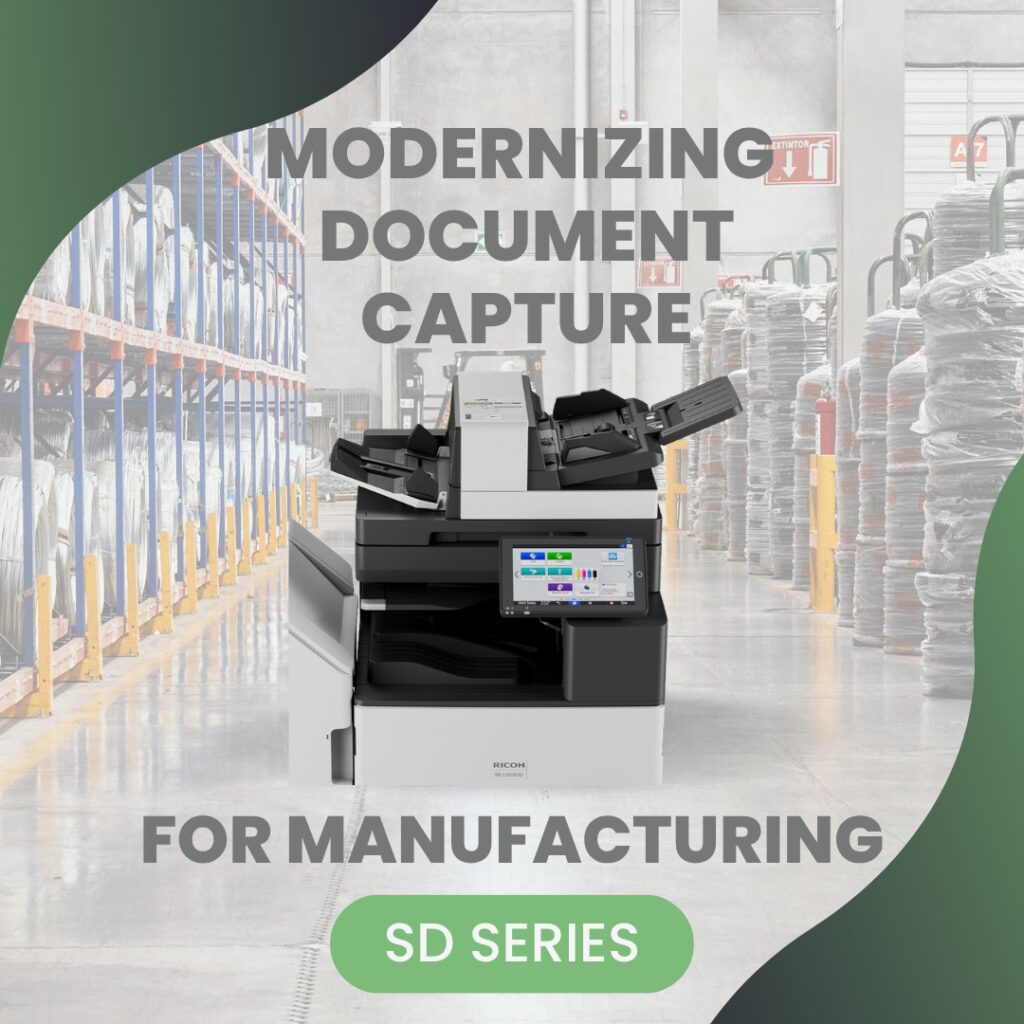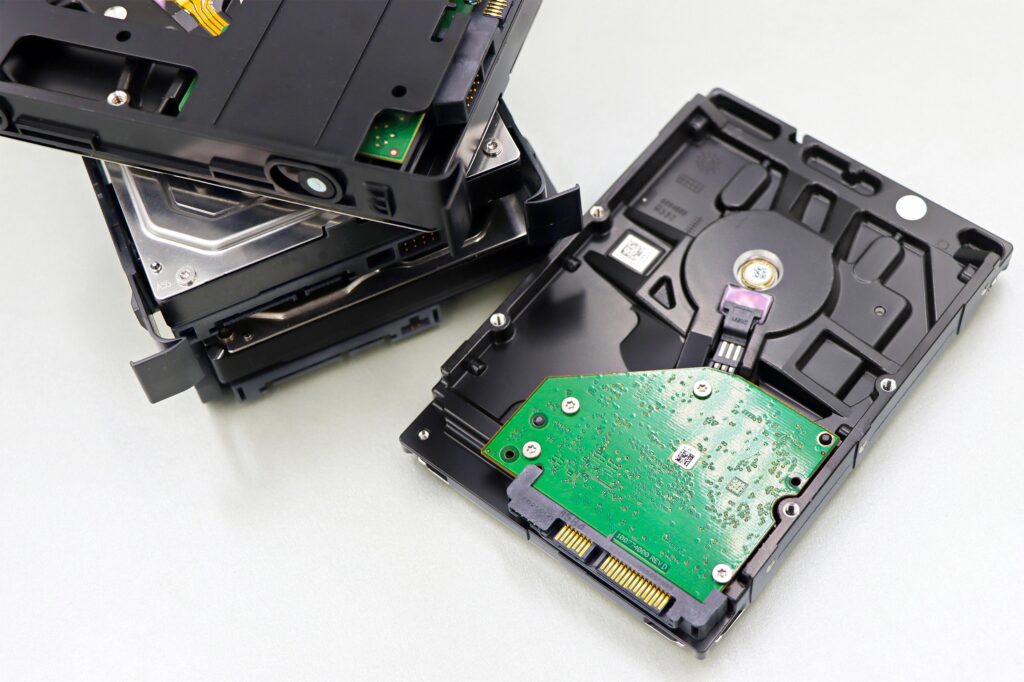
Most businesses don’t realize that their copier contains a hard drive. But modern multifunction printers (MFPs) store data temporarily, and sometimes longer than expected. That means contracts, payroll reports, medical records, and financial statements may reside inside your device.
This guide explains how copier hard drives work, what happens to your data, and how to protect it from security risks when servicing or replacing equipment.
If your copier is connected to your network, it is storing information. The question is: how securely?
Do Copiers Really Store Data?
Yes. Most modern MFPs include internal hard drives or solid-state storage.
These drives may temporarily store:
- Print jobs
- Scanned documents
- Email attachments
- Fax transmissions
- User authentication data
- Address books
Even if files are deleted from the screen interface, residual data may remain on the drive unless proper overwrite protocols are enabled.
For many businesses, this comes as a surprise.
Why Copiers Store Data in the First Place
Copiers use hard drives to:
- Process large print jobs
- Enable scan-to-folder workflows
- Support document caching
- Store user templates
- Improve performance
High-speed devices rely on internal storage to manage complex tasks efficiently.
The convenience improves workflow, but introduces security considerations.
What Happens to Your Data During Normal Operation?
During daily use:
- A user sends a print job.
- The device temporarily stores the file.
- The job prints.
- The file may remain cached unless overwritten.
Similarly, scanned documents may be buffered internally before being transmitted.
Without automatic overwrite settings, some residual data can remain accessible at the storage level.
In secure configurations, data is erased immediately after job completion.
The Risk of Unsecured Copier Hard Drives
If copier hard drive security is not properly configured, risks include:
- Unauthorized data retrieval
- Data exposure during servicing
- Information leaks during equipment disposal
- Regulatory compliance violations
There have been documented cases where used copiers sold at auction still contained recoverable data from prior owners.
For industries handling confidential information, this represents serious liability.
Hard Drive Encryption: Your First Line of Defense
Modern MFPs should support hard drive encryption.
Encryption ensures that:
- Data stored on the device cannot be read without proper credentials
- Physical removal of the drive does not expose readable files
- Sensitive information remains protected even if stolen
Encryption does not eliminate the need for overwrite protocols, but it significantly reduces risk.
Data Overwrite and Sanitization
Data overwrite (also called data sanitization) automatically erases stored information after jobs are completed.
There are typically multiple levels:
- Standard overwrite (single pass)
- Enhanced overwrite (multi-pass erasure)
Automatic overwrite ensures:
- Print jobs do not accumulate on the drive
- Temporary scan files are securely deleted
- Cached documents are not recoverable
For high-security environments, multi-pass overwrite provides additional protection.
What Happens During Service Calls?
When technicians service a copier, they may access internal components.
If hard drive encryption and overwrite are active:
- Data remains protected
- Service technicians cannot view sensitive documents
- Risk of exposure is minimized
Without those protections, residual files may technically be accessible at the storage level.
Proper security configuration protects both your organization and service personnel.
What Happens When You Return a Leased Copier?
At the end of a lease term, equipment is returned or replaced.
Before removal, you should ensure:
- Hard drive overwrite has been completed
- Encryption keys are cleared
- Certified data wipe documentation is provided
Many reputable providers perform certified data sanitization as part of lease return procedures.
Never assume it happens automatically. Verify it.
What Happens When You Sell or Dispose of a Copier?
If you own your device and choose to sell, donate, or recycle it:
- The hard drive must be wiped or removed
- Data destruction should be certified
- Compliance documentation may be required
In regulated industries, improper disposal can lead to:
- HIPAA violations
- Financial penalties
- Legal exposure
E-waste recycling does not automatically mean data destruction.
Regulatory and Compliance Implications
Copier hard drive security is especially important for industries subject to:
- HIPAA
- FINRA
- SOC 2
- ISO standards
- State privacy laws
These frameworks often require:
- Access control
- Data encryption
- Audit logging
- Secure disposal
Failure to properly manage copier data may jeopardize compliance efforts.
Even small offices must treat copier storage seriously.
Common Copier Hard Drive Security Mistakes
Many businesses unknowingly leave their devices vulnerable by:
- Not enabling encryption
- Disabling overwrite features
- Using default admin passwords
- Ignoring firmware updates
- Failing to wipe drives at replacement
These mistakes are preventable with proper configuration.
How to Check If Your Copier Is Secure
Ask your IT team or service provider:
- Is hard drive encryption enabled?
- Is automatic data overwrite active?
- Are audit logs available?
- Are firmware updates current?
- What is our data wipe procedure at lease end?
If you cannot answer these confidently, your copier may pose unnecessary risk.
Is Removing the Hard Drive an Option?
In high-security environments, some organizations choose to:
- Remove hard drives entirely
- Install removable storage modules
- Use encrypted storage only
This approach may be appropriate for government or defense-related environments.
For most offices, encryption and overwrite provide sufficient protection.
The Bottom Line: Your Copier Is a Data Device
A modern copier is not just a printing machine. It is a network endpoint with internal storage.
That means it should be:
- Configured securely
- Monitored appropriately
- Updated regularly
- Sanitized properly at end of life
Ignoring copier hard drive security creates unnecessary exposure.
Treat your MFP like any other data-handling device on your network.
Copier hard drive security is often overlooked, but it plays a critical role in protecting confidential information. Understanding what happens to your data during daily use, service, and equipment replacement helps you prevent avoidable risk.
With proper encryption, overwrite protocols, and secure disposal procedures, your copier can remain a productive tool without becoming a security liability.
Contact us to review your copier hard drive security and ensure your data is fully protected.