Most organizations arrive at the decision to implement a document management system after spending years accumulating evidence that their shared drive is no longer working. Folders have proliferated without governance. Naming conventions drifted or were never established. The same document exists in multiple versions across multiple locations with no reliable way to know which is current.
New employees cannot find anything without asking someone who was there when the files were created. Searches return too many results or the wrong ones. Audit requests require manual archaeology through nested folder structures.
The case for moving to a true document management system is usually clear by the time an organization decides to do it. What is less clear is how to execute the migration without recreating the same problems in a new system, losing the continuity that daily operations depend on, or triggering the kind of user resistance that causes adoption to stall before the benefits are realized.
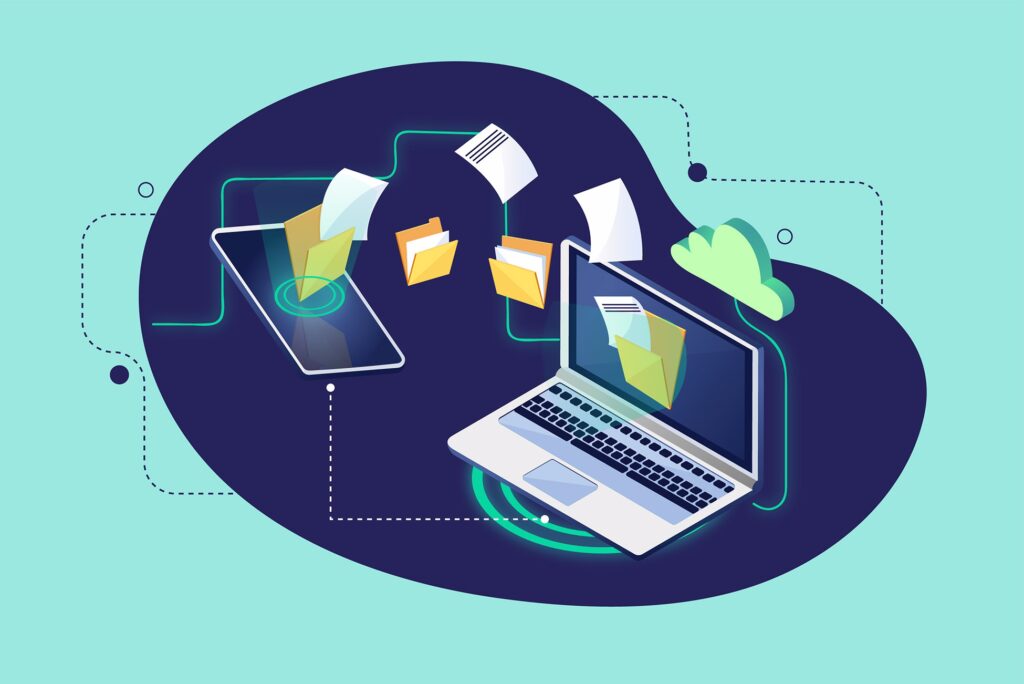
This article addresses the practical side of a shared drive to DMS migration: the decisions that must be made before any files move, the sequence that tends to work, the mistake most organizations make at the outset, and how to close out the old system without leaving a parallel environment that undermines the transition.
Why Shared Drives Break Down Over Time
Shared drives work reasonably well when an organization is small, when a single person or team governs the structure, and when the volume of content is manageable. All three of those conditions tend to change as an organization grows, and the shared drive’s fundamental limitations become increasingly visible.
Shared drives organize content by location: what folder something is in. They have no native concept of metadata, document type, status, retention period, or workflow stage. When you need to find documents by attribute rather than by folder, you are limited to whatever keyword search the operating system or cloud provider supports, which searches file names and, if OCR has been applied, file content.
Permission management in a shared drive is folder-based, which means that access to any document in a folder is controlled by access to the folder itself. Granting someone access to one document in a folder grants them access to all documents in that folder. Managing exceptions requires creating additional subfolders, which compounds the structural complexity.
There is no audit trail in most shared drive environments beyond basic system logs that are not maintained for compliance purposes. No record exists of who opened a document, when, or what they did with it. Version history in cloud-based shared drives like Google Drive or SharePoint is better than local file shares but still falls well short of what a compliance-grade DMS provides.
And critically, shared drives have no mechanism for retention management. Documents accumulate indefinitely unless someone manually reviews and deletes them. Most organizations that have used a shared drive for several years have significant proportions of their storage occupied by outdated, duplicate, or no-longer-relevant content.
The “Lift and Shift” Mistake
The most common migration mistake is treating the move to a DMS as a file transfer rather than as a restructuring project. Organizations replicate their existing folder hierarchy inside the new system, move all the files across, and declare the migration complete.
The result is a DMS that looks and functions like the shared drive it replaced, with the addition of licensing costs and a user interface that is different enough to be confusing but similar enough in its chaos to be equally frustrating.
A shared drive migration is an opportunity to impose structure, not just to change the container. The value of a DMS over a shared drive is not the software itself. It is the metadata schema, the role-based permissions, the workflow capabilities, the audit trail, and the retention management that the software enables when it is properly configured. Moving files without establishing those elements first produces a very expensive shared drive.
The practical implication is that the work of migrating to a DMS should begin with configuration and governance decisions, not with file transfers. Files can move quickly once the destination is properly structured. Getting the structure right is the work that takes time and judgment.
Decisions to Make Before Any Files Move
Several foundational decisions must be made before migration begins. Skipping these decisions and making them during the migration creates inconsistency and rework.
Metadata schema. What fields will be attached to documents in the DMS? Document type, department, date, status, project or matter number, retention category, and creator are common starting points. The schema should be designed around how documents will be retrieved, not how they are currently filed. Every field should have a defined purpose and a defined vocabulary.
What gets migrated vs. archived vs. deleted. Not everything in the shared drive should move to the DMS. A pre-migration cleanup pass typically identifies three categories: active documents that should be migrated and indexed in the DMS, historical documents that must be retained but are unlikely to be accessed and can be archived separately, and documents that are outdated, duplicated, or no longer relevant and can be deleted. Migrating without this triage imports the shared drive’s accumulated disorder into the new system.
Folder and workspace structure in the DMS. The DMS structure should reflect how the organization retrieves documents, not how the shared drive was organized. This usually means a flatter, more attribute-driven structure with fewer nested folders, because metadata and search do the work that folder hierarchy does in a shared drive.
Role definitions and permission mapping. Who should have access to what in the DMS, and at what permission level? This decision should be made before migration so that files arrive in the DMS already associated with the correct access permissions rather than requiring a separate cleanup.
Retention schedule integration. Which document types in the DMS will carry retention categories, and what are those categories? Establishing this before migration means that migrated documents can be tagged with retention information as they arrive.
Governance ownership. Who is responsible for maintaining the DMS structure, approving new document types, managing user accounts, and reviewing permissions? Without a named owner, the DMS will gradually develop the same ungoverned accumulation that characterized the shared drive.
A Practical Migration Sequence
Once the foundational decisions are made, the migration itself tends to work best when it follows a defined sequence.
Step 1: Audit the shared drive.
Before moving anything, understand what exists. How many files? What departments own them? What is the age distribution? A content audit identifies the scope of the migration and surfaces the decisions about what to migrate, archive, and delete.
Step 2: Clean and classify before migrating.
Apply the migrate/archive/delete categorization to the content identified in the audit. This step reduces migration volume and ensures that the DMS starts with a clean, intentional content set rather than the full accumulated history of the shared drive.
Step 3: Pilot with one department.
Before committing to a full migration, test the process with a single department whose content is reasonably well-defined and whose team is willing to participate. The pilot tests the metadata schema, the permission structure, the user experience, and the migration tooling. It also produces a reference case for training and communication to the rest of the organization.
Step 4: Migrate with metadata applied.
When documents move, metadata fields should be populated at the time of migration. This may be done manually for smaller volumes, through migration tooling that maps existing file properties to DMS metadata fields, or through a combination of automated population and manual review for documents where automated classification is uncertain.
Step 5: Validate before go-live.
Before directing users to the DMS, verify that the migrated content is complete, correctly indexed, and accessible to the right users. A validation pass on a sample of migrated documents, checking that they appear in the expected location with the expected metadata and permissions, catches errors while the shared drive is still available as a reference.
Step 6: Update links and workflows.
Any processes, bookmarks, or document links that reference shared drive file paths need to be updated to the DMS equivalents. This includes email templates, intranet pages, workflow triggers, and any other place where a file path was hardcoded.
Step 7: Train users before and after go-live.
Training should happen close to go-live so it is relevant, not weeks earlier when users have forgotten it by the time they need it. Role-specific training, covering how each user type interacts with the DMS in their daily work, is more effective than a generic overview.
Managing the Parallel Period
Unless the migration is executed as a single cutover event, there will be a period when both the shared drive and the DMS are in use simultaneously. This parallel period is a necessary part of phased and day-forward migrations but should be explicitly time-limited and carefully managed.
The risks of an extended parallel period include users defaulting to the shared drive because it is familiar, new documents being created in both systems without a clear rule about which one is authoritative, and the shared drive being updated while the DMS version is not, creating version conflicts.
A clearly communicated end date for the parallel period, with executive support and a defined plan for what happens to the shared drive at that date, helps contain the risks. Some organizations make the shared drive read-only partway through the parallel period, preventing new documents from being created there while still allowing reference to existing content during the transition.
How to Retire the Shared Drive
The shared drive should not remain available indefinitely after the DMS is live. As long as it exists as a functional, writable environment, some portion of the organization will continue using it, particularly for files and workflows that were not fully migrated.
A clean retirement sequence typically includes a read-only period where the shared drive is available for reference but not editable, followed by a defined sunset date after which access is removed. Before that date, any remaining content that was not migrated should be either brought into the DMS or archived according to the retention schedule established before migration.
Documentation of what the shared drive contained, what was migrated, what was archived, and what was deleted provides a record of the migration for audit or compliance purposes and closes out the old system in a documented, deliberate way rather than leaving it to fade into disuse.
Frequently Asked Questions
What is the difference between a shared drive and a document management system?
A shared drive organizes files by folder location and provides basic access based on who has permission to the folder. A document management system adds structured metadata to each document, enabling search by attribute rather than just by location.
It also provides role-based permissions at a more granular level, audit trails of document access and modification, version control with full history, workflow capabilities for approval and routing processes, and retention management that schedules documents for review or destruction. A shared drive is a file storage tool; a DMS is a document lifecycle management platform.
Why is it a mistake to just copy files from the shared drive into the DMS?
Copying files without applying metadata recreates the shared drive’s reliance on folder hierarchy inside the new system. The core value of a DMS is that documents can be found by attribute rather than by location, but metadata must be applied for that to work.
Migration is the right time to apply that structure rather than retroactively, which is far more labor-intensive. Migrating without a clean-up phase also imports duplicates, outdated documents, and accumulated clutter into the DMS, undermining the fresh start the migration was intended to create.
How long does a shared drive to DMS migration typically take?
The timeline varies significantly based on the volume of content, the complexity of the metadata schema, the number of departments involved, and the migration approach chosen. A phased migration for a mid-size organization might take three to six months from initial configuration through full go-live.
A smaller, well-prepared migration might be completed in weeks. The preparation phase, including the content audit, clean-up, schema design, and pilot, typically takes longer than the file transfer itself.
Should all shared drive content be migrated to the DMS?
No. Most shared drives contain a mix of active documents that should be migrated and indexed, historical documents that must be retained but can be archived outside the primary DMS, and outdated or duplicate documents that should be deleted.
Migrating everything without this triage imports years of accumulated disorder into the new system. A pre-migration audit and classification step is worth the investment for the cleaner starting point it produces.
How should the metadata schema for the DMS be designed?
The schema should be designed around how documents will be retrieved, not how they were previously filed. Identify the questions the organization needs the system to answer: which documents belong to this client, which contracts expire this quarter, which HR files belong to this employee, and build the metadata fields that allow those queries to run.
Start with a small set of required fields that will be consistently populated, rather than an ambitious schema that users will skip. Simpler schemas with high compliance rates outperform complex schemas with inconsistent adoption.
What happens to the shared drive after the DMS is live?
The shared drive should be progressively retired rather than left running in parallel indefinitely. A typical retirement sequence includes a read-only period during which the shared drive is accessible for reference but no new content can be added, followed by a complete sunset date after which access is removed.
Content that was not migrated during the main migration should be addressed before the sunset date through migration, archiving, or deletion with documentation of the decision made.
Emerald Document Imaging helps businesses on Long Island and throughout the New York metro area plan and implement document management systems, including migration from shared drives with proper indexing, metadata structure, and role-based access.
Learn more about our Document Management Services and schedule a consultation to discuss your migration.