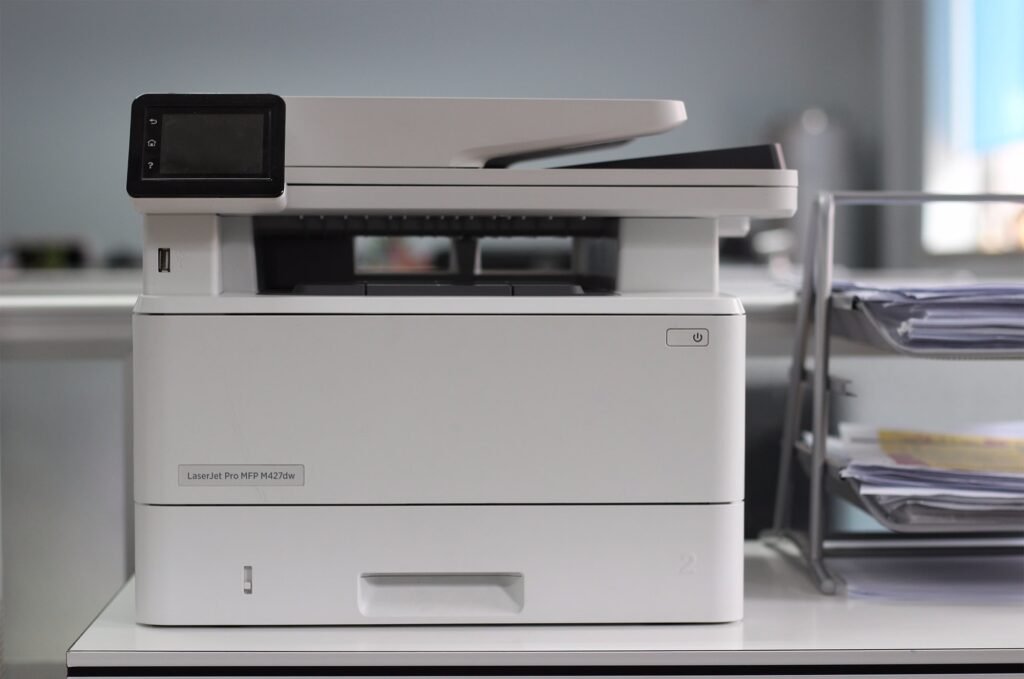
Desktop MFPs come in a wide range of price points, and the feature list on a spec sheet can make it hard to tell which upgrades actually matter for day-to-day use and which ones are just adding to the price without much practical benefit. Here’s a practical walk-through of the features worth paying for, and a few that are safe to skip for most small offices.
Features Worth Prioritizing
Automatic Document Feeder
An automatic document feeder lets you scan or copy a multi-page document without manually placing each page on the glass. For any office scanning more than the occasional single-page document, this feature saves real time every single day and is worth prioritizing even on an otherwise budget-conscious purchase.
Duplex (Two-Sided) Printing and Scanning
Automatic duplex printing saves paper and is close to standard on most current business-class desktop MFPs, but it’s worth explicitly confirming rather than assuming, since some lower-end models still require manually flipping pages for two-sided output.
Reasonable Paper Capacity
A tray that holds only 100 to 150 sheets means constant refilling for an office with more than a person or two using the device regularly. Paying a bit more for a larger paper tray reduces a small daily annoyance that adds up over time.
Wireless and Mobile Printing Support
Standard wireless connectivity is worth having even in a small office, and mobile printing support through AirPrint or Mopria adds real convenience for staff printing from phones or tablets.
Features That Are Nice but Often Skippable
Very High Print Speeds
Desktop MFPs marketed with impressively high pages-per-minute speeds are often priced at a premium that doesn’t make sense for a small office’s actual volume. Unless your office is regularly printing large batch jobs, a moderate speed rating is usually more than adequate and considerably cheaper.
Extensive Finishing Options
Stapling, hole-punching, and booklet-making are common on full-size copiers but rarely available, or rarely worth the added cost, on a desktop MFP. If your office regularly needs finished documents, that’s usually a sign you actually need a full-size copier rather than a heavily upgraded desktop unit.
Security Features Worth Checking Regardless of Price
Even a modest desktop MFP handling business documents benefits from basic security features like user authentication and secure erase of stored scan data.
Our guide on security features a modern MFP should have covers what to look for, much of which applies to desktop devices as well as full-size copiers, even if the specific implementation is more limited on a smaller unit.
Understanding True Cost Per Page
The purchase price of a desktop MFP is only part of the cost picture. Ink or toner cost per page varies significantly between models, and a cheaper device with expensive replacement cartridges can end up costing more over time than a pricier unit with lower ongoing costs.
Our guide on how much a multifunction printer costs breaks down these total cost considerations in more detail.
A Simple Framework for Deciding
Start with your actual daily use, how many pages, how many people, whether you regularly scan multi-page documents, whether mobile printing matters to your team, and prioritize spending on the features that address those specific needs. Skip paying extra for speed or finishing capability your office won’t realistically use, and don’t skimp on basic security and paper capacity, since those affect daily usability and risk in ways that are easy to underestimate before you’re actually living with the device.
Testing Before You Commit
Where possible, it’s worth seeing a shortlisted model in person, or at least reviewing a live demonstration, before finalizing a purchase. Specs on a page can make two different devices look similar, but the actual feel of the touchscreen, the noise level during printing, and how intuitive the workflow is for a first-time user often reveal meaningful differences that a spec sheet comparison alone won’t surface.
It’s also reasonable to ask a prospective provider which features their existing small-business customers actually use versus which ones tend to go unused after purchase, since that kind of real-world feedback is often more useful than a manufacturer’s marketing material when deciding what’s genuinely worth paying for.
Revisiting Your Choice as Needs Change
A desktop MFP bought for a five-person office won’t necessarily still be the right fit once that team doubles or the business takes on new types of work. It’s worth checking in on whether the original feature set still matches your needs every year or two, rather than assuming the initial purchase decision holds forever. A feature that wasn’t worth paying for at launch, like higher-volume paper capacity or more advanced mobile printing, may become genuinely useful as the business grows into it.
Keeping this kind of periodic check simple, a quick annual review rather than an elaborate process, is usually enough to catch the moment your office has outgrown its original equipment before it becomes a daily source of frustration.
Frequently Asked Questions
Is an automatic document feeder worth the extra cost on a desktop MFP?
For any office regularly scanning or copying multi-page documents, yes. It’s one of the features that makes the biggest practical difference in daily use.
Do all desktop MFPs support automatic two-sided printing?
Most current business-class models do, but it’s worth confirming directly rather than assuming, since some lower-end or older models still require manual duplexing.
Is a higher page-per-minute speed rating worth paying extra for?
Usually not for a typical small office. Unless you regularly print large batch jobs, a moderate speed rating comfortably covers most desktop MFP use cases at a lower price.
What security features should even a budget desktop MFP have?
User authentication before printing and the ability to clear stored scan data are reasonable baseline expectations, even on a more affordable model.
Does cost per page matter as much on a desktop MFP as a full-size copier?
Yes, and sometimes more so, since some lower-priced desktop devices are priced cheaply upfront specifically because their replacement ink or toner costs more, offsetting the initial savings.
How do I know if I actually need finishing features like stapling on a desktop unit?
If your office regularly produces multi-page documents that need to be bound or organized, that’s usually a sign you need a full-size copier with proper finishing options rather than paying extra for limited finishing on a desktop device.
Buy the Features Your Office Actually Uses
A desktop MFP purchase should match your real daily use, not a spec sheet’s most impressive numbers.
Explore our desktop MFPs or contact us and we’ll help you prioritize what’s actually worth paying for.