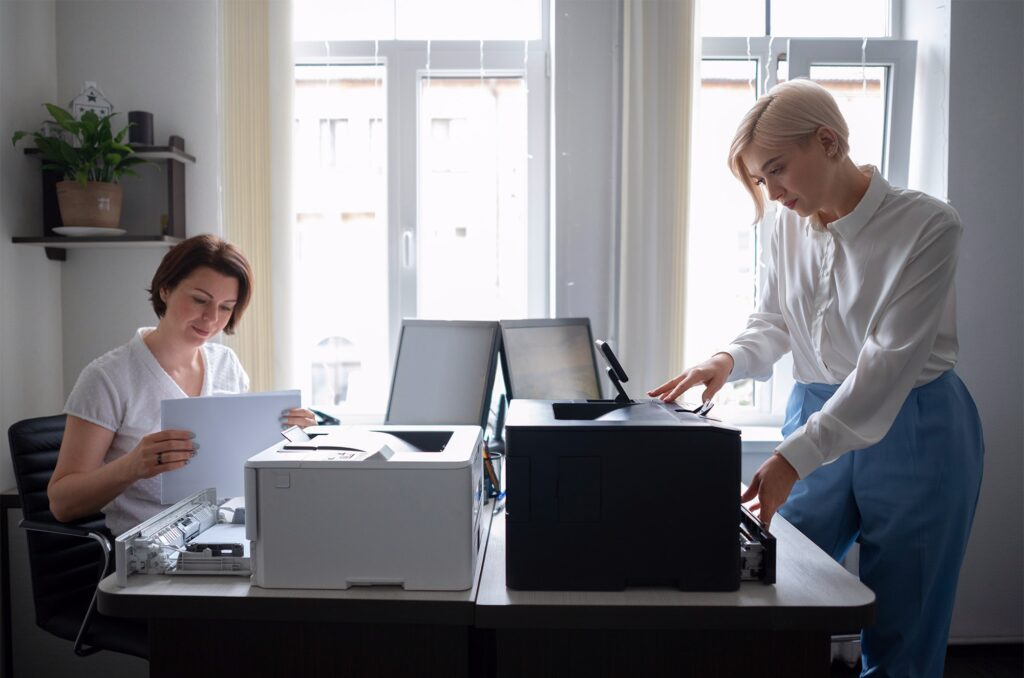
An office move brings a long list of logistics to coordinate, and printers and copiers are easy to treat as an afterthought that just gets unplugged, moved, and plugged back in at the new address. That approach usually works, but it also misses a natural opportunity to reassess whether your current equipment and setup still make sense.
Here’s a practical way to think through printers and copiers as part of an office move, whether you’re relocating existing equipment or starting fresh.
Decide Early: Move It, Replace It, or Both
The first decision is whether existing equipment is coming with you at all. If a lease is close to its end date, or the device has been showing its age, a move is a natural point to upgrade rather than pay to relocate and reinstall equipment you were planning to replace soon anyway. If equipment is newer and working well, moving it typically makes more sense than an early replacement.
Timing the Move Around Your Lease
If your printer or copier lease end date happens to fall near your move date, it’s worth coordinating the two rather than treating them separately.
Our guide on what happens at the end of a copier lease covers the options and notice periods involved, which is useful context when deciding whether to extend, buy out, or replace equipment as part of your relocation planning.
Reassessing Whether Your Setup Still Fits
A move is also a good moment to check whether your actual print volume and workflow still match your current equipment, especially if your headcount or space layout has changed.
Our guide on how many pages per month your office actually prints helps establish a clear baseline before deciding whether to keep the same setup or right-size it for the new space.
Planning the New Space’s Network and Power Needs
Before equipment arrives at the new location, confirm the space has appropriate network access and power in the intended printer location, ideally identified during the office design or buildout phase rather than discovered on move-in day.
Our guide on connecting a printer to your network covers the basics of getting a device properly connected, which is worth reviewing ahead of time so the new office isn’t without working printers on day one.
A Simple Office Move Checklist for Printers
- Confirm whether existing equipment is being relocated, replaced, or both
- Check lease end dates and notice requirements against your move timeline
- Reassess print volume and layout needs for the new space
- Confirm network and electrical setup at the new location in advance
- Schedule professional disconnection, transport, and reinstallation rather than a DIY move for larger equipment
- Update any network configurations, printer names, or shared drive mappings that reference the old location
Why Professional Transport Matters for Larger Equipment
Larger MFPs and copiers are heavier and more sensitive to handling than most office furniture, and improper transport can cause internal misalignment or damage that isn’t obvious until the device starts producing quality issues weeks later. Most equipment providers offer professional disconnection, transport, and reinstallation as part of a move, which is worth using rather than treating a copier like any other piece of office equipment on moving day.
Avoiding Downtime During the Transition
For businesses that can’t afford any gap in printing capability, it’s worth planning the installation of new or relocated equipment to happen slightly ahead of the full office move, so printers and copiers are ready and tested before staff arrive at the new space on day one, rather than becoming one more thing to troubleshoot during an already chaotic first week.
Communicating the Plan to Staff
Employees adjusting to a new office layout appreciate knowing in advance where printers and copiers will be located and whether anything about the process, like new scan destinations or login steps, has changed. A short note or walkthrough during the first week at the new location prevents a wave of avoidable questions and helps staff feel like the move was actually planned rather than thrown together at the last minute.
Treating the Move as a Fresh Start
A new office is also a natural moment to clean up bad habits that built up around old equipment, unclear scan destinations, outdated shared drive names, printers nobody quite remembers how to reconnect to after a network hiccup. Taking the time to document a clean, current setup at the new location, rather than simply replicating old habits and workarounds, pays off well beyond the move itself.
Treat the move as a natural checkpoint, not just for equipment, but for retiring outdated shortcuts and workarounds that accumulated at the old location over time and would otherwise just get carried forward unexamined.
Frequently Asked Questions
Should we move our current printer or buy new equipment for a new office?
It depends on the age and condition of your current equipment and where you are in your lease term. Equipment nearing the end of its useful life or lease is often better replaced than relocated.
How far in advance should printer setup be planned before an office move?
Ideally, network and power requirements should be part of the space planning process weeks before the move, and equipment scheduling should be finalized at least a few weeks ahead to avoid a gap in service.
Can we move a copier ourselves to save money?
It’s possible for smaller devices, but larger MFPs and copiers are sensitive to improper handling, and professional transport reduces the risk of damage that might not be apparent until well after the move.
What happens to our printer’s network settings after a move?
Network configurations, IP addresses, and shared drive mappings often need to be updated for the new location’s network, which is worth planning for rather than assuming everything will reconnect automatically.
Is it worth upgrading equipment during a move even if the current setup still works?
It’s at least worth reassessing. A move is a natural checkpoint to compare your actual current volume and needs against your existing equipment, even if the ultimate decision is to keep things as they are.
How do we avoid a printing gap during the transition to a new office?
Schedule installation and testing of new or relocated equipment slightly ahead of the full staff move-in date, so printers are confirmed working before day-to-day operations resume at the new location.
Plan Your Print Setup Before Moving Day
An office move is the right time to get your printer setup sorted, not an afterthought to handle once you’ve already unpacked.
Explore our office printers or contact us to plan your relocation or new equipment setup.