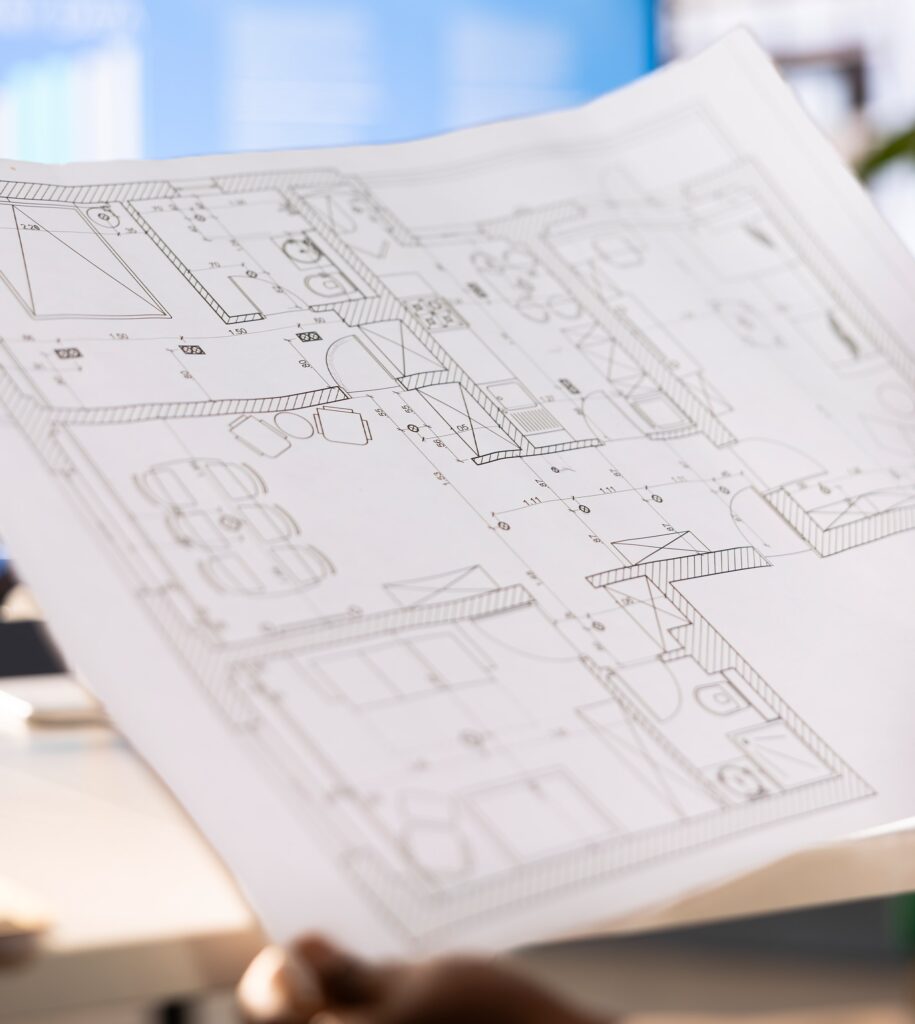
If your business regularly prints blueprints, CAD drawings, or posters, choosing the right wide format printer can make a world of difference in both productivity and print quality.
Whether you’re an architectural firm, an engineering company, or a creative studio, your printing needs go far beyond what a desktop or office copier can handle.
This guide walks you through how to select the right wide format printer for your workflow, budget, and industry, so you can print faster, cleaner, and smarter.
Why Wide Format Printers Matter for Technical and Creative Work
Standard office printers are built for 8.5” x 11” or 11” x 17” paper. But for large-scale documents like architectural blueprints, detailed engineering drawings, or full-color posters, you need something built for precision and scale.
A wide format printer (also known as a plotter or large format printer) can handle media up to 100 inches wide, providing the flexibility to print oversized technical documents or striking visual designs.
These printers are essential for:
- AEC (Architecture, Engineering, Construction) drawings and schematics
- Marketing and design firms producing high-quality posters or banners
- Municipalities and schools printing maps, signage, and directories
- Manufacturers printing process diagrams and training materials
Step 1: Determine What You’ll Be Printing
Before comparing models, start by identifying what kind of output your office produces most frequently.
For Blueprints and CAD Drawings
You’ll want a monochrome (black-and-white) toner-based printer or a color CAD inkjet printer designed for precision line work.
- Toner-based (LED) wide format printers are fast, clean, and reliable for technical line drawings.
- Color inkjet models (like Canon’s imagePROGRAF or Ricoh’s CAD series) provide high-resolution color overlays for markups, revisions, or client presentations.
For Posters and Visual Graphics
If your team prints marketing materials, event posters, or signage, you’ll need a color inkjet wide format printer with pigment-based inks and advanced color calibration.
These printers excel at reproducing gradients, photos, and full-color artwork.
Step 2: Choose Between Inkjet and Toner (LED) Technology
There are two primary technologies used in wide format printers, each with strengths suited to specific use cases:
Inkjet Wide Format Printers
- How they work: Use liquid ink sprayed through microscopic nozzles.
- Best for: Posters, renderings, maps, and color presentations.
- Pros:
- Vivid color accuracy
- Can print on various materials (photo paper, vinyl, canvas)
- Affordable entry cost
- Vivid color accuracy
- Cons:
- Slower for high-volume plans
- Ink can smudge if not properly dried
- Slower for high-volume plans
Popular Models: Canon imagePROGRAF TM Series, Ricoh MP W6700SP, HP DesignJet T Series
Toner-Based (LED) Wide Format Printers
- How they work: Use dry toner fused with heat — similar to laser printers.
- Best for: Blueprints, CAD drawings, construction documentation.
- Pros:
- Fast output (up to 10 D-size prints per minute)
- Smudge-free, waterproof prints
- Lower cost per page for line drawings
- Fast output (up to 10 D-size prints per minute)
- Cons:
- Not ideal for full-color graphics
- Not ideal for full-color graphics
Popular Models: Ricoh MP W8140SP, KIP 7170, Canon PlotWave Series
Step 3: Consider Print Size and Volume
Wide format printers vary not just in width, but in print speed and volume capacity.
Ask yourself: How many large prints do we produce in a day or week?
| Printer Width | Common Uses | Ideal For |
| 24” | Small CAD drawings, posters | Small offices, design studios |
| 36” | Blueprints, line drawings, renderings | AEC firms, contractors |
| 44” | Color graphics, signage | Marketing departments, print shops |
| 54”+ | Oversized banners, photo-quality prints | Commercial print providers |
If you print dozens of blueprints daily, prioritize print speed and media handling.
If you print occasionally, a 36” inkjet model may strike the right balance between cost and quality.
Step 4: Factor in Connectivity and Workflow Integration
Today’s printers aren’t just hardware, they’re part of your digital ecosystem. Look for wide format printers with:
- Wi-Fi and Ethernet connectivity for shared office access
- Cloud printing (Google Drive, Dropbox, OneDrive support)
- Mobile printing apps for tablets and field teams
- Compatibility with CAD software like AutoCAD, Revit, or SolidWorks
- User authentication for secure printing and cost tracking
Ricoh and Canon both offer print management software that integrates seamlessly with existing IT infrastructure, perfect for hybrid offices and multi-department workflows.
Step 5: Evaluate Total Cost of Ownership
A printer’s sticker price is only part of the equation. The total cost of ownership (TCO) includes ink or toner, maintenance, and paper supplies.
Inkjet Printers
- Initial Cost: Lower (starting around $3,000–$5,000)
- Consumables: Ink cartridges and print heads
- Maintenance: Occasional cleaning cycles
- Cost per Print: Higher for large color jobs
Toner-Based Printers
- Initial Cost: Higher ($7,000–$12,000 range)
- Consumables: Toner, drums, developer units
- Maintenance: Minimal compared to inkjets
- Cost per Print: Lower, especially for monochrome prints
If your firm prints hundreds of CAD drawings weekly, a toner-based system will pay for itself quickly.
If you need color-rich visuals or renderings, an inkjet system offers the best flexibility.
Step 6: Look for Usability and Workflow Features
Modern wide format printers come with smart features that make daily use faster and cleaner:
- Touchscreen control panels with simple file navigation
- Auto roll feed and alignment to minimize misfeeds
- Integrated scanners for copying or digitizing drawings
- Collation and folding options for ready-to-share blueprints
- Low-noise operation for open office environments
These features may sound minor, but they can save hours per week in an AEC or design environment.
Step 7: Plan for Service, Support, and Supplies
Wide format printers are long-term investments, so ongoing support is crucial. Before purchasing, confirm:
- Local availability of toner and ink supplies
- Access to factory-trained technicians in your area
- Managed print service (MPS) options for predictable monthly costs
Companies like Emerald Document Imaging provide comprehensive support for Ricoh and Canon wide format printers across Long Island, NYC, and the NY metro area, including installation, maintenance, and remote monitoring.
Common Mistakes When Buying a Wide Format Printer
- Overbuying capacity: Don’t pay for features or speeds you won’t use.
- Ignoring media type: Make sure your printer supports the paper and film widths you need.
- Underestimating workflow integration: If your printer can’t communicate with your CAD or project management systems, it can slow you down.
- Skipping maintenance: Regular cleaning and calibration prevent downtime.
- Not considering upgrades: Choose a printer that can grow with your business.
Example Scenarios
Scenario 1: A Small Architectural Firm
A 10-person architecture office prints 10–20 D-size blueprints per day.
Recommendation: Ricoh MP W6700SP (36” monochrome toner-based) for speed and precision with minimal ink waste.
Scenario 2: A Design Studio
A creative firm produces posters, mockups, and presentation boards.
Recommendation: Canon imagePROGRAF TM-350 (36” inkjet) for accurate color and fine detail.
Scenario 3: A General Contractor
A construction company prints updated plans daily on-site.
Recommendation: Compact toner-based wide format printer with integrated scanner—fast, durable, and field-friendly.
The Bottom Line
Choosing the right wide format printer comes down to understanding your volume, media needs, and application type.
- For blueprints and CAD, go with toner-based models built for speed and precision.
- For posters, renderings, and marketing visuals, opt for color inkjet printers for professional color output.
- And for businesses in Long Island and NYC, working with a local vendor ensures quick service and supplies when you need them most.
Ready to Find the Right Wide Format Printer?
Emerald Document Imaging helps New York businesses select and support the ideal wide format solution for their workflow. We specialize in Ricoh and Canon wide format printers for AEC, design, and educational environments, offering leasing, installation, and managed print support.
Contact us today to schedule a free print assessment or on-site demo.